Ride with MAMO · Sargodha
Bike, rickshaw, car or van — book from your phone, compare offers from nearby drivers, and ride at a price you agreed to.
01
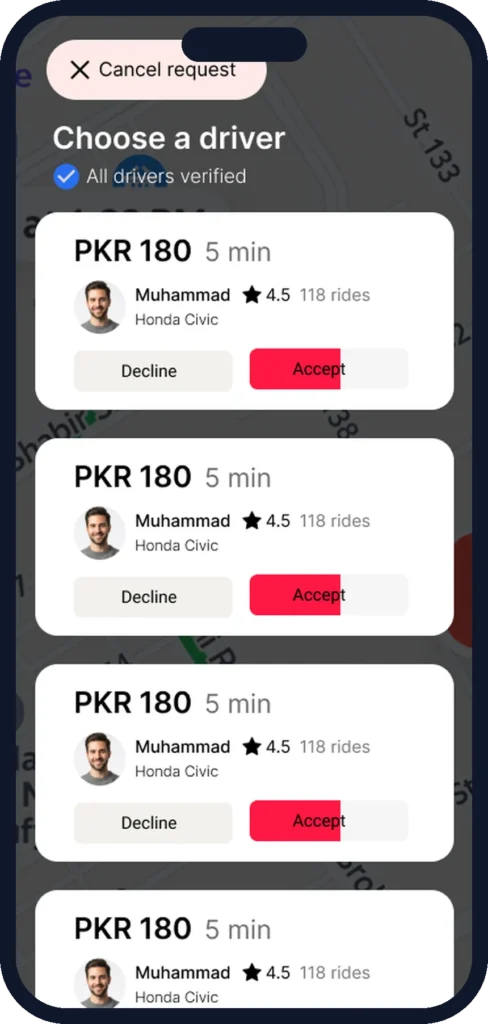
See what nearby drivers are asking before you book. You pick the offer — not an algorithm you can’t see.
02
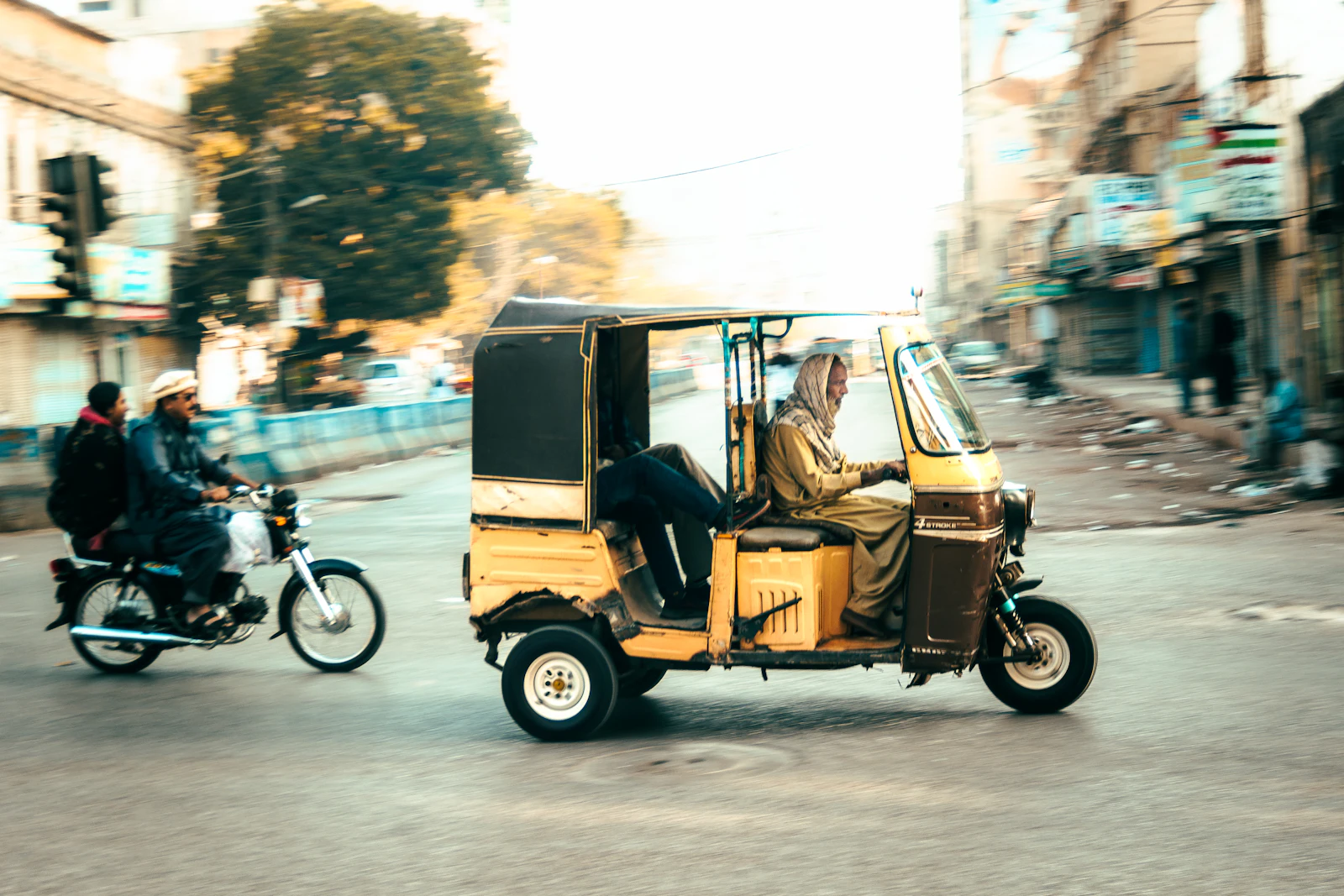
A bike for a quick solo trip, a rickshaw for the bazaar, a car for the family or a van for the whole group.
03
Book now or schedule ahead, add stops on the way, and pay the way that suits you.
Booking a ride
The whole trip happens in the MAMO app — from choosing your pickup to rating your driver.
Full walkthrough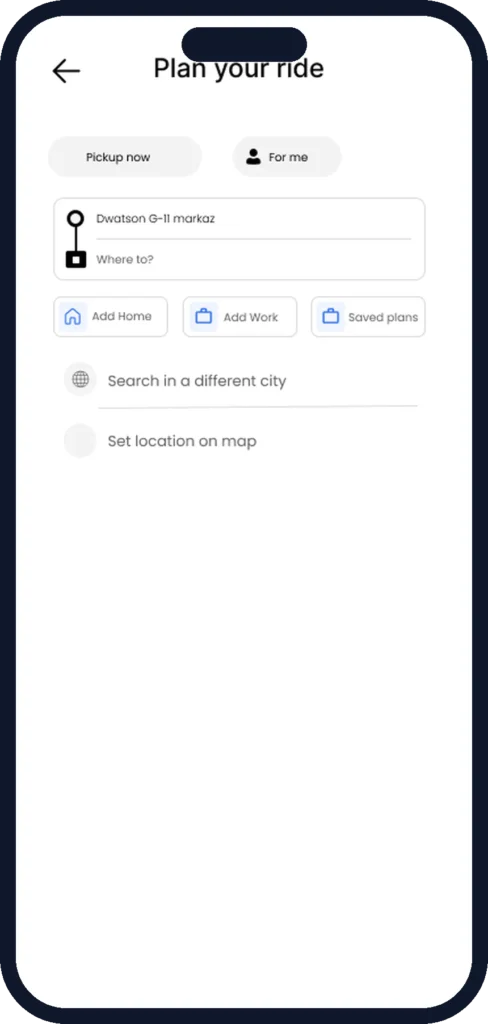
Use your current location or search for a place. Add extra stops if you need them.
Pick from bikes, autos, cars or vans based on how many people are travelling and how you want to ride.
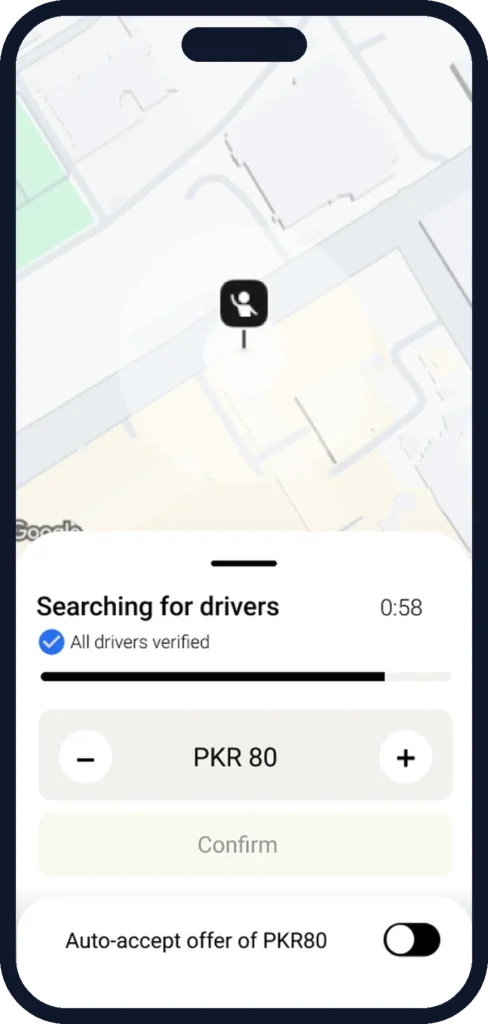
The app suggests a fare. Nearby drivers can accept it or send their own offer.
Choose the offer you want. You’ll see your driver and vehicle details once the ride is confirmed.
Pay in cash or from your wallet when you arrive, then rate the trip.
Built in
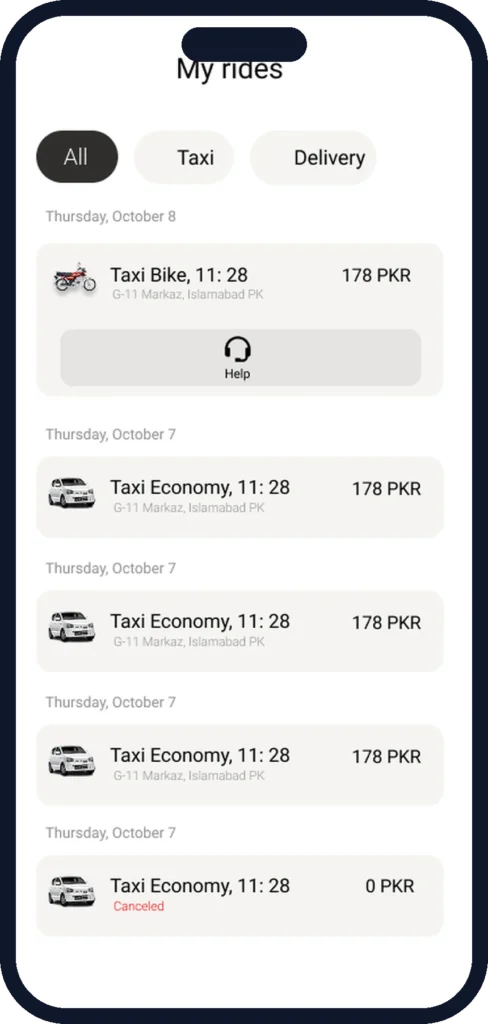
Early flight, exam morning or a family event? Book your ride in advance so you’re not searching at the last minute.
Pick up a friend, stop at the pharmacy, then head home — all in one booking.
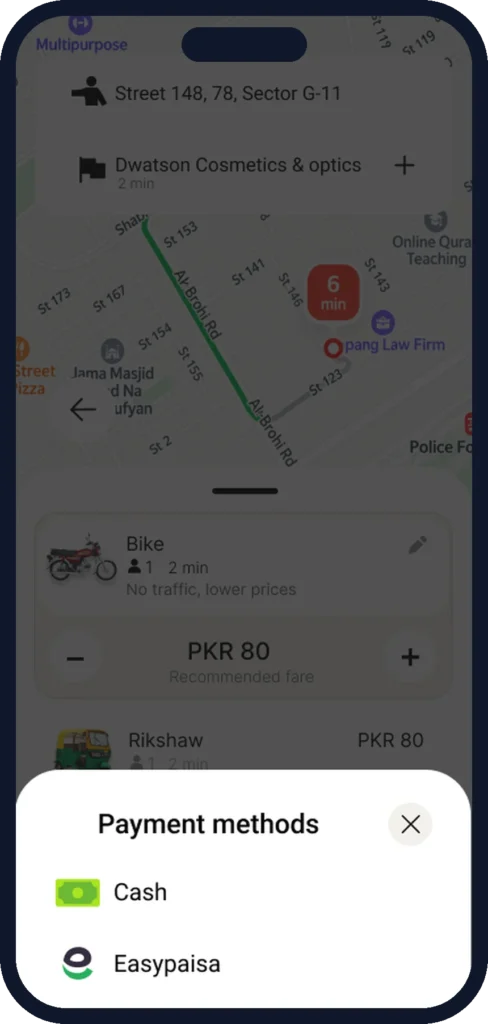
Pay your driver in cash, or pay from your MAMO wallet. Wallet top-up options are shown in the app.
Emergency numbers, trusted contacts and incident reporting are part of the trip screen. More on safety.
No. The suggested fare is a starting point. Drivers may accept it or send their own offer, and you choose which offer to confirm.
You can set any pickup point in Sargodha. Make sure the passenger knows the driver and vehicle details shown in your app.
It depends on the vehicle: 1 on most bikes (2 on Moto Double), up to 3 in an auto, up to 4 in a car, and 6 to 12 in a van. See all ride types.
You can cancel from the app. Please read our Cancellation & Refund Policy to understand when charges may apply.